Which side was last?
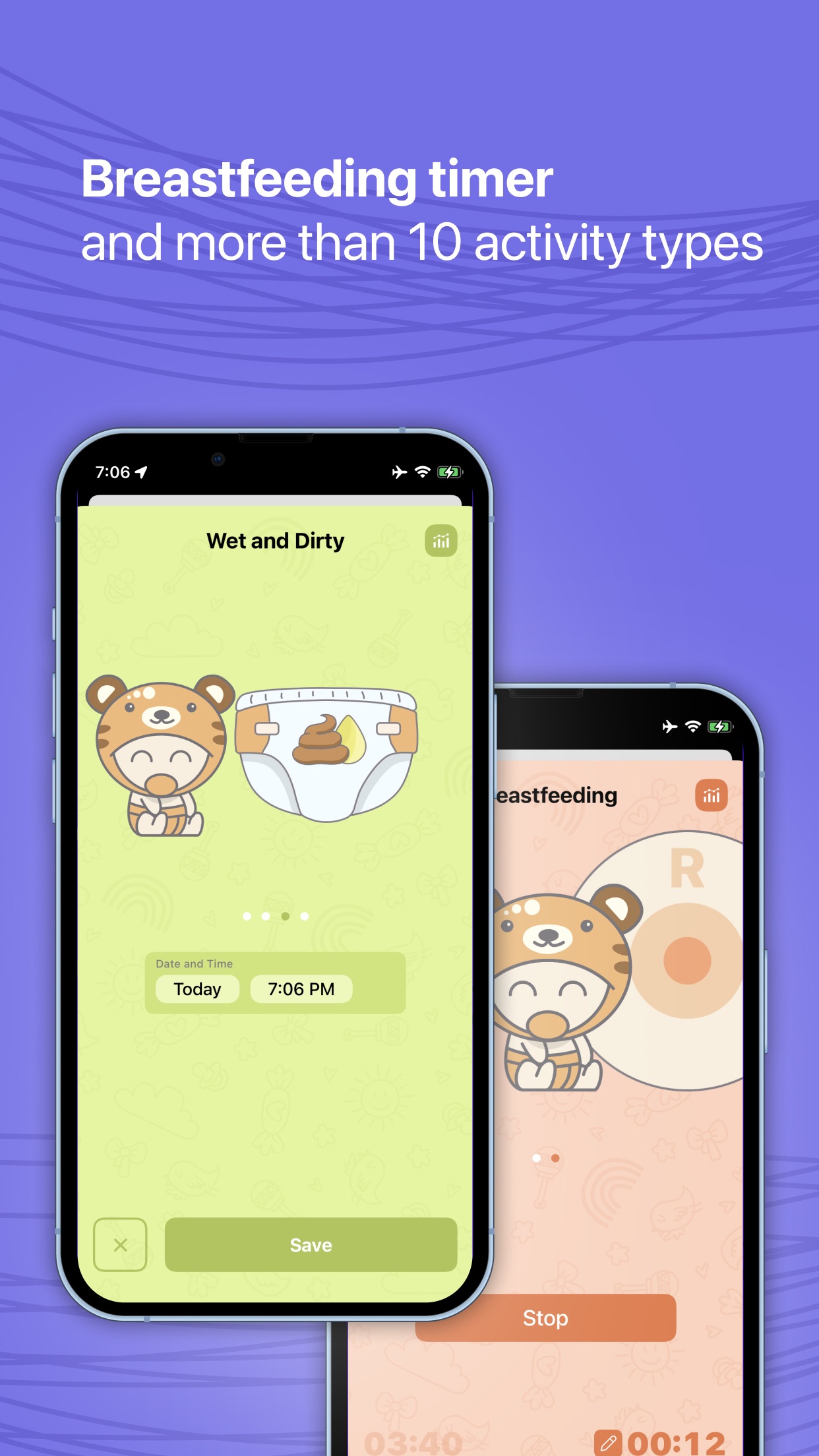
Run a breastfeeding timer, record both sides, or log a bottle and amount without reconstructing the night.
Baby tracker for iPhone & Apple Watch
Track feeding, sleep, diapers, pumping, growth and all the small details in one calm baby diary. Share care with your partner and see the pattern behind the day.
The questions that repeat all day
At 3 a.m., “I think it was around…” is not a useful answer. Mommy keeps the simple facts close, so everyone caring for your baby can start from the same place.
Run a breastfeeding timer, record both sides, or log a bottle and amount without reconstructing the night.
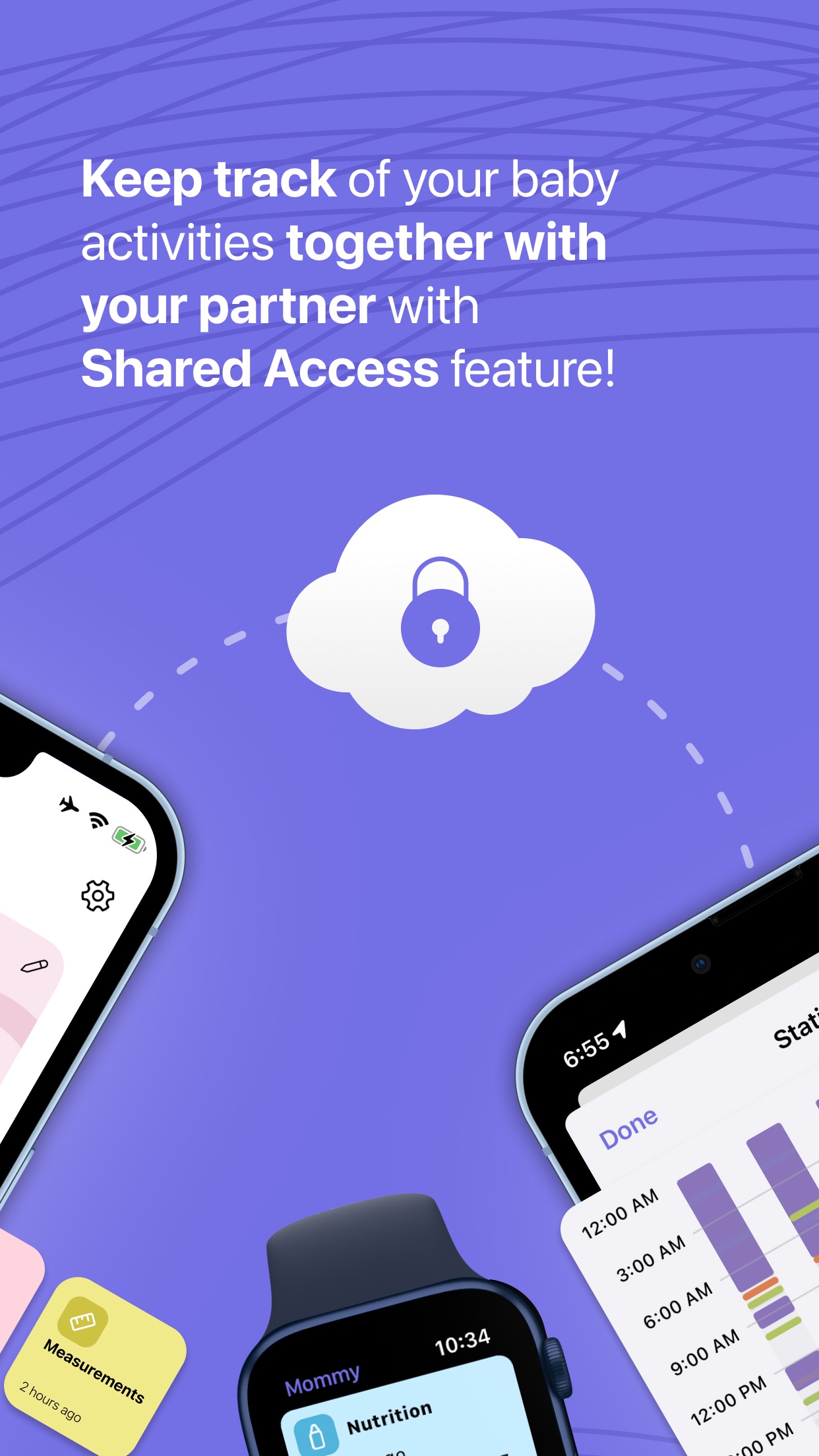
Shared Access gives partners and caregivers one up-to-date diary instead of a chain of messages.
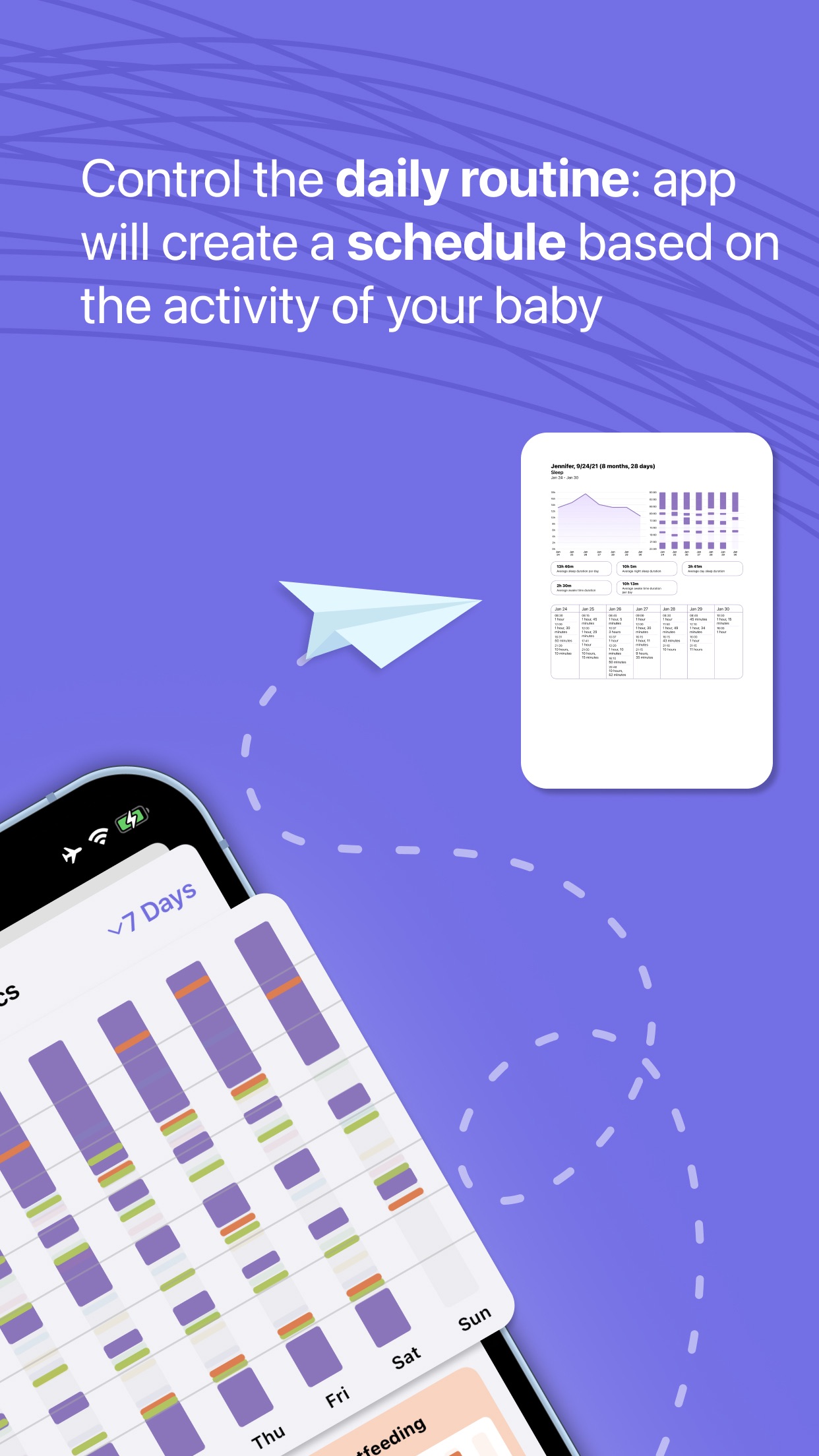
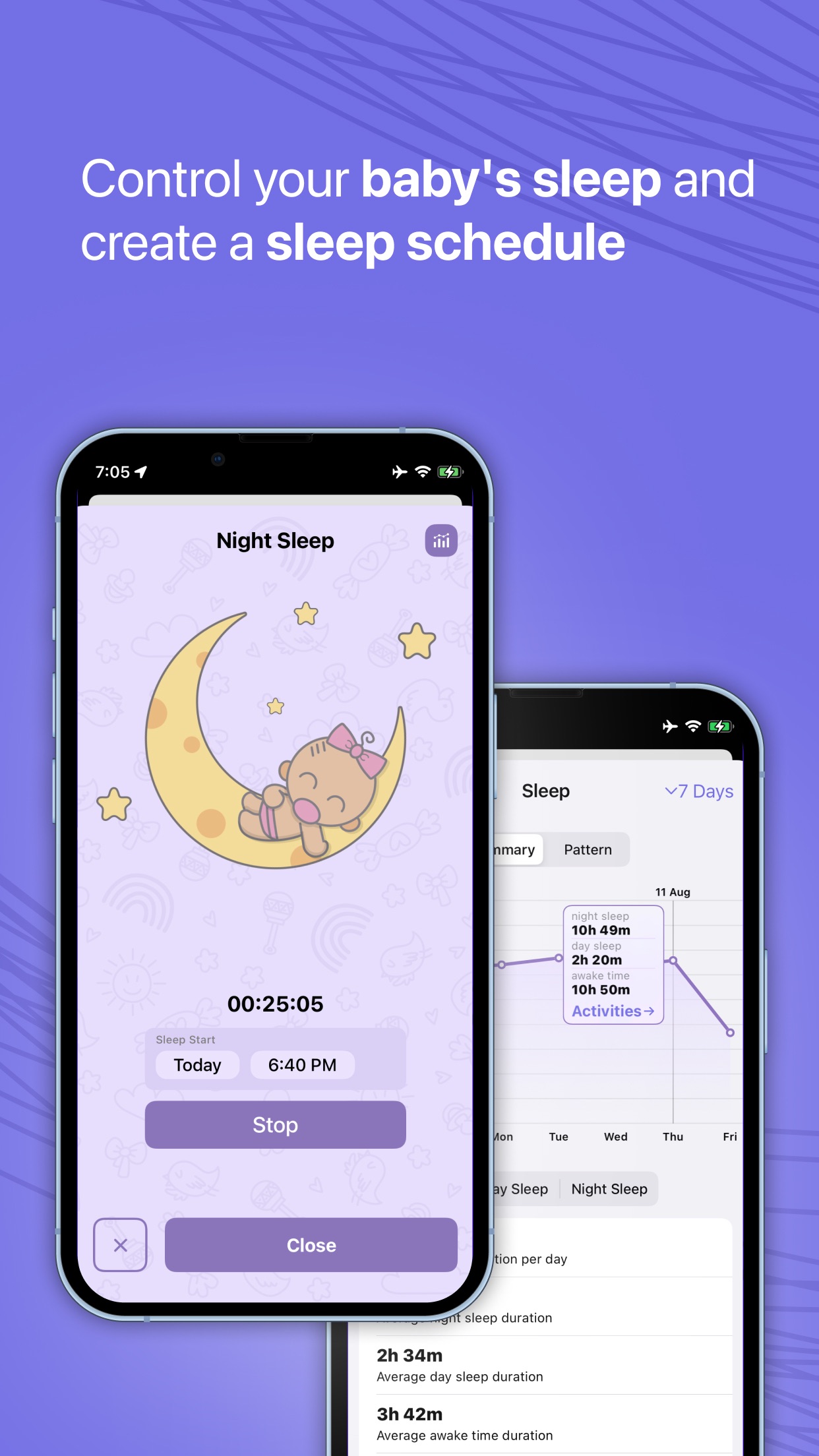
Look back at feeding, sleep, diapers and growth as a pattern — not as a pile of isolated entries.
A complete baby tracker
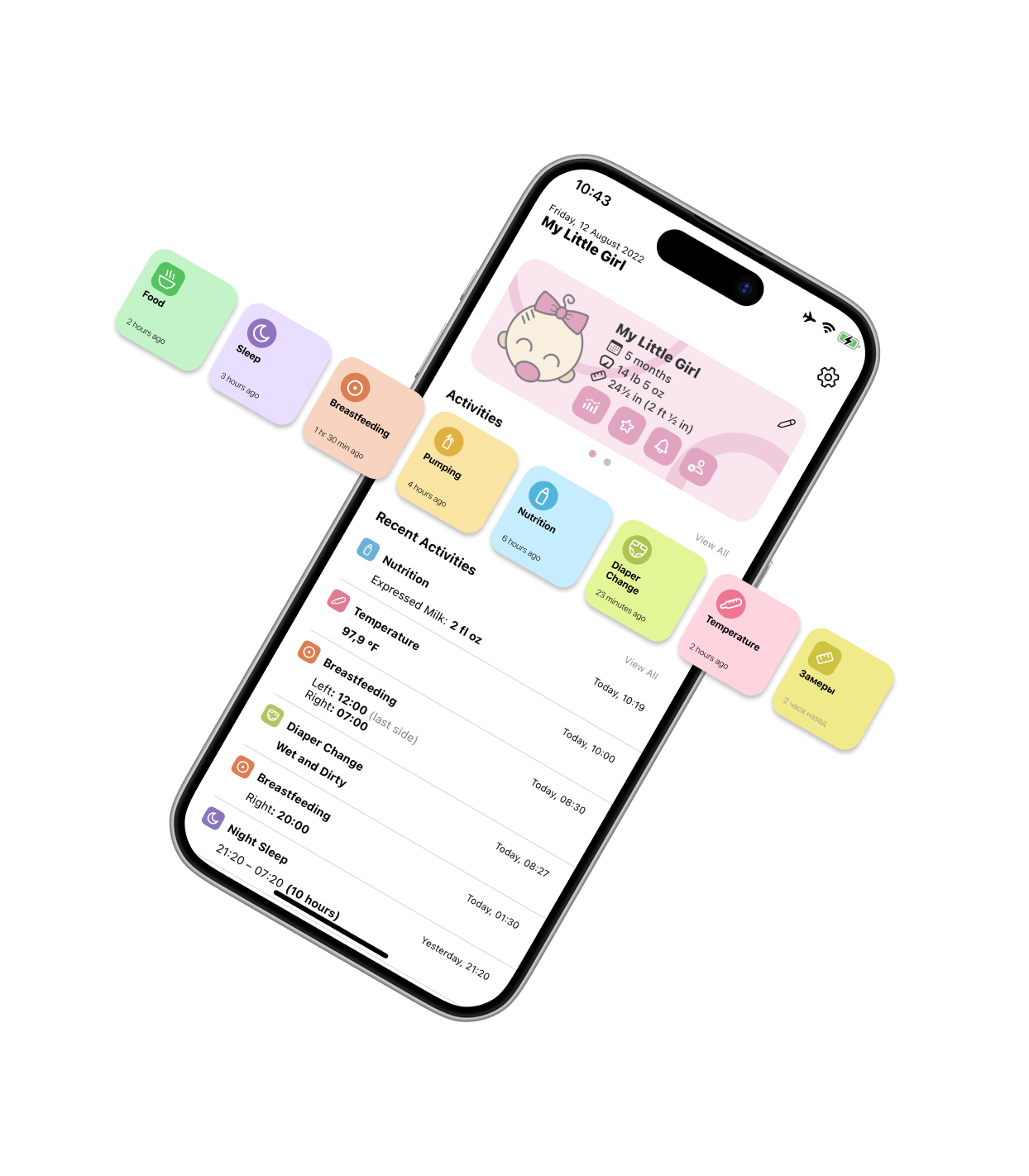
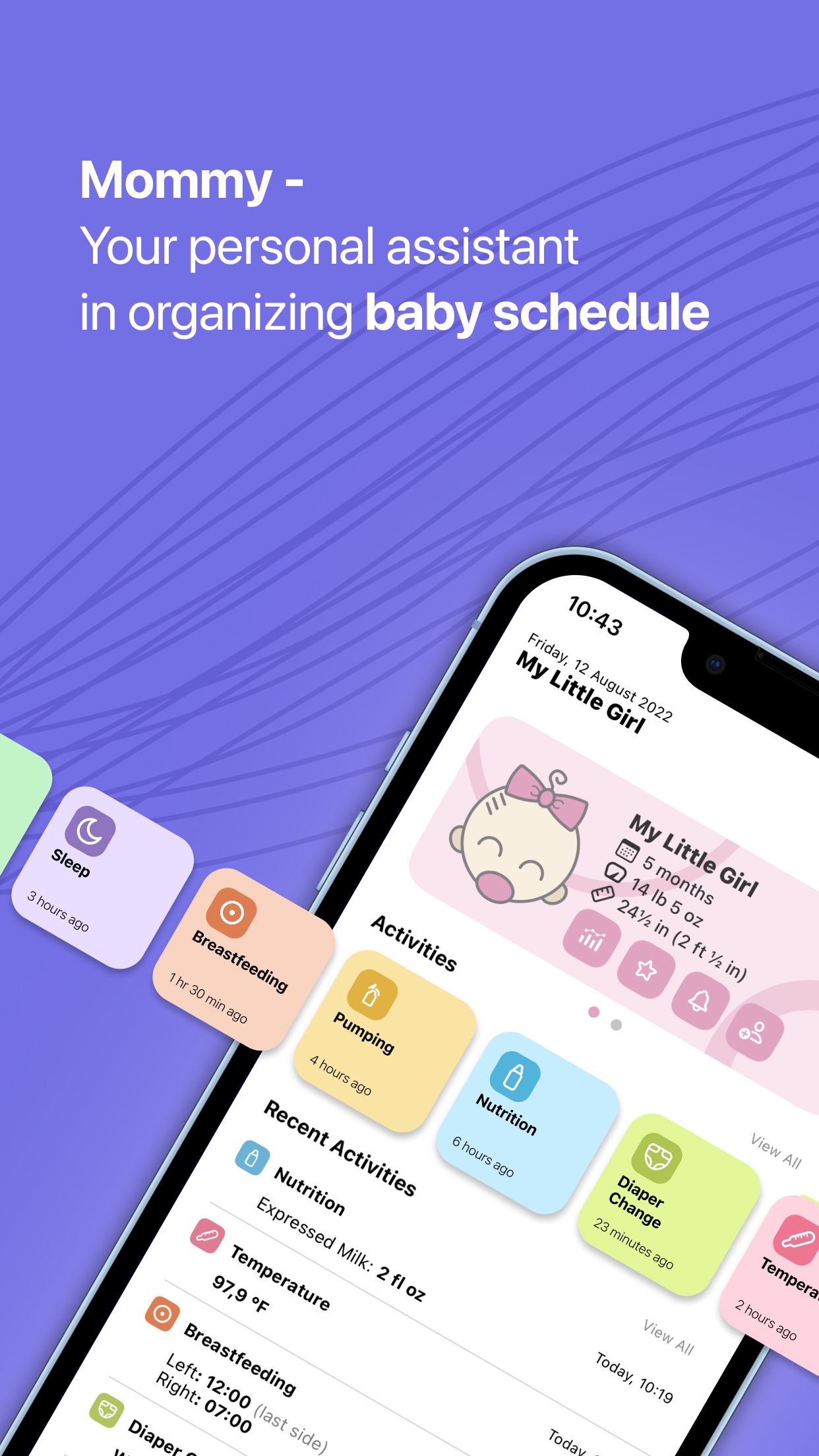
Log only what matters to your family. Mommy keeps quick actions up front and the full history ready when you need it.
Explore the baby tracker →Daily care
Start a timer or add an entry later. Recent details stay visible on each activity card.
Fast logging
Start sleep, feeding or pumping in a tap. Edit the time later if real life interrupted the perfect log.
Reminders
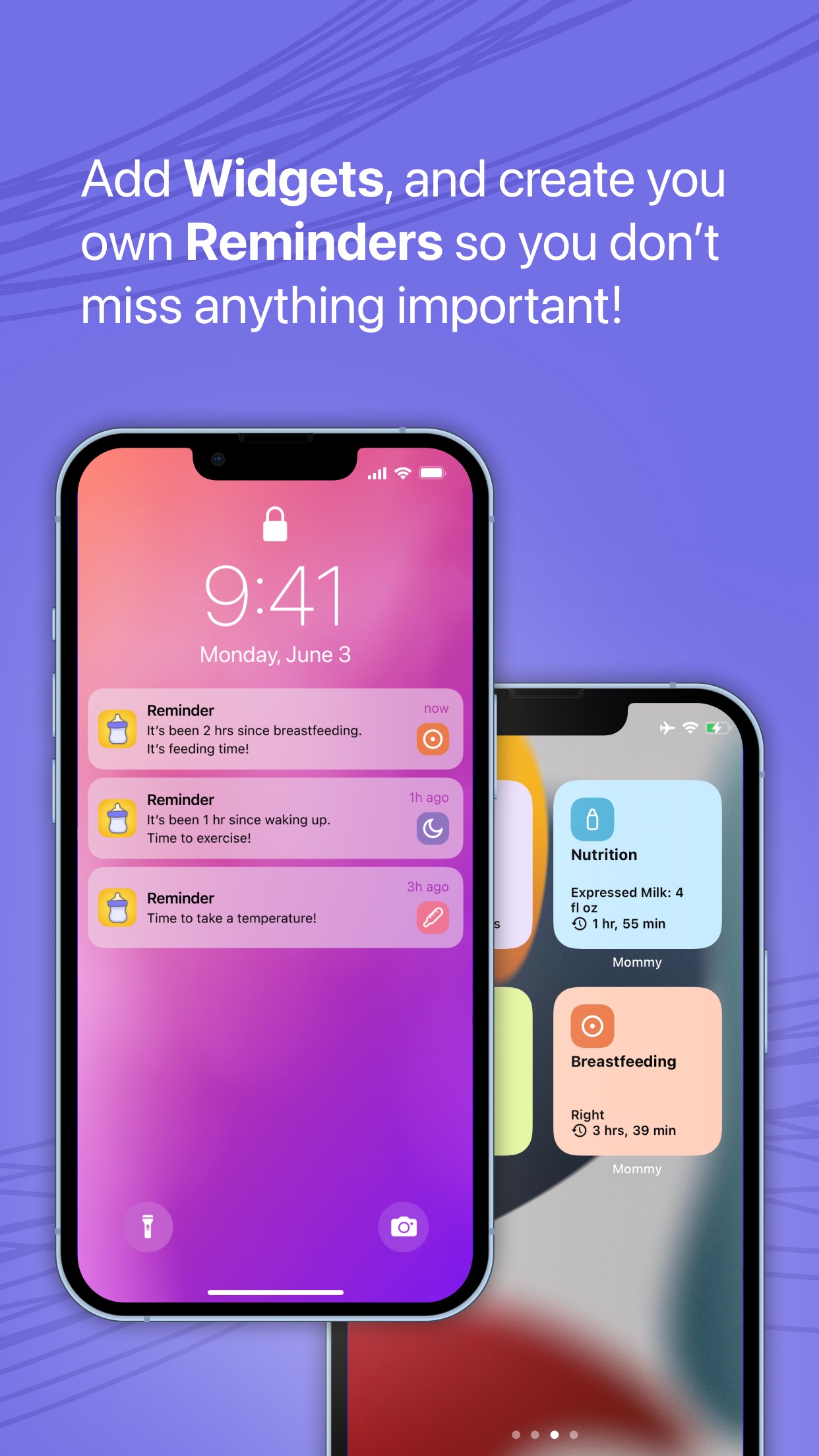
Set a reminder for a specific time or ask Mommy to count from the last feed, wake-up or other activity.
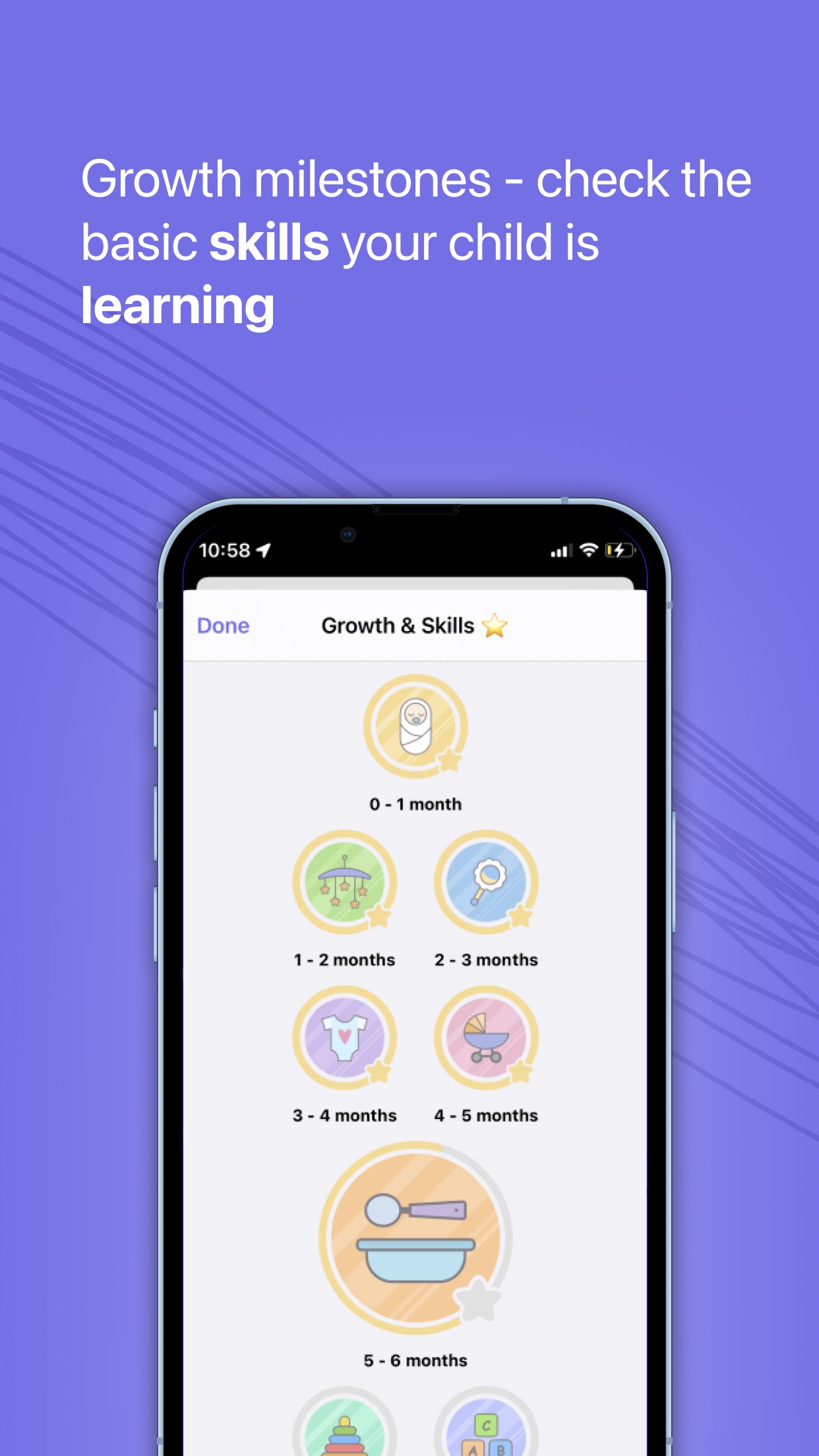
Growth & skills
Keep height, weight, teeth and developmental skills beside the daily record — from first feeds to first milestones.
Shared care
Invite your partner or another caregiver with a link. Both of you can add activities to the same baby diary and see what happened most recently.
Where care actually happens
Mommy uses Apple’s everyday surfaces so the important timer or last activity can stay close — even when your hands are full.
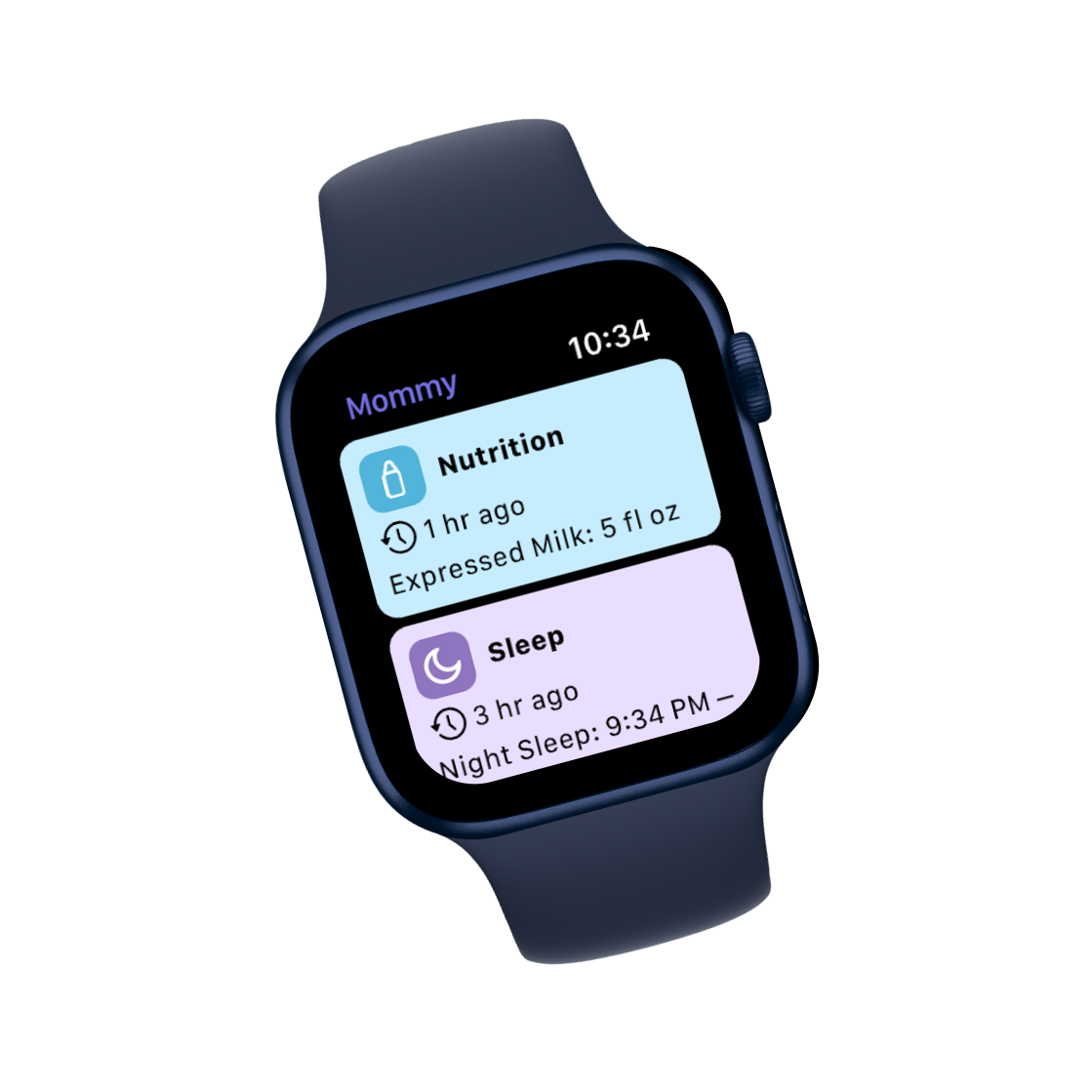
Log common activities from your wrist and keep the iPhone diary in sync.
See the latest details from your Home Screen at a glance.
Keep an active timer visible on the Lock Screen and Dynamic Island.
Get a gentle prompt at a time you choose or after an activity interval.
Patterns without pressure
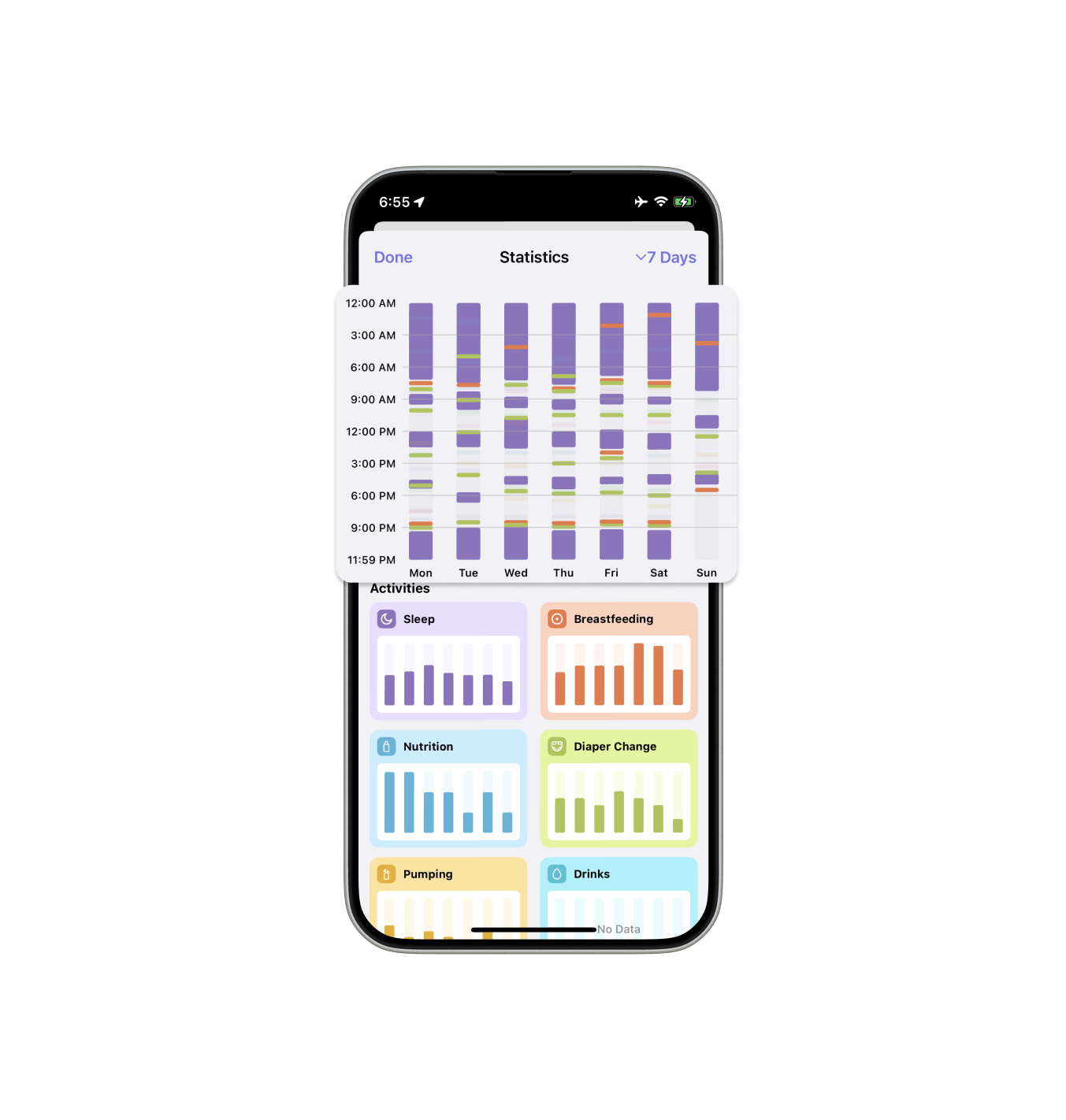
Daily entries become summaries and visual patterns across sleep, feeding and other care. Use them to remember, compare and prepare useful context for a conversation with your pediatrician.
Mommy records the information you enter. It does not diagnose a condition or replace professional medical advice.
Privacy, explained plainly
Mommy stores the baby diary in your iCloud account. You do not create a separate Mommy account, and LLAPPS does not operate a server that stores the entries in your baby diary.
Inside Mommy
Start with what you need
Short, practical guides to choosing what to log and keeping the diary useful for your family.
Breastfeeding, bottles and other nutrition, sleep, diaper changes, pumping, complementary foods, strolls, drinks, temperature, medicines, measurements, teeth, growth and developmental skills. You choose which parts matter to your family.
Yes. Shared Access lets you invite a partner or another caregiver with a link. Both of you can contribute to the same diary through iCloud and see recent entries.
The baby diary is stored in your Apple iCloud account. Mommy does not require a separate app account. The app also uses limited analytics, diagnostics and purchase services, which are explained in the Privacy Policy.
Yes. Mommy includes an Apple Watch app for common activity logging. It also supports widgets, reminders and Live Activities on compatible Apple devices.
Mommy is free to download and includes optional in-app purchases for Mommy Plus. Apple shows the current price and subscription terms before you confirm a purchase.
Mommy is available in English, Dutch, French, German, Italian, Japanese, Korean, Polish, Portuguese, Russian, Simplified Chinese, Spanish and Ukrainian.
Made by parents, for parents
Download the baby tracker for iPhone, iPad and Apple Watch. Start with one activity today and let the diary grow with your family.